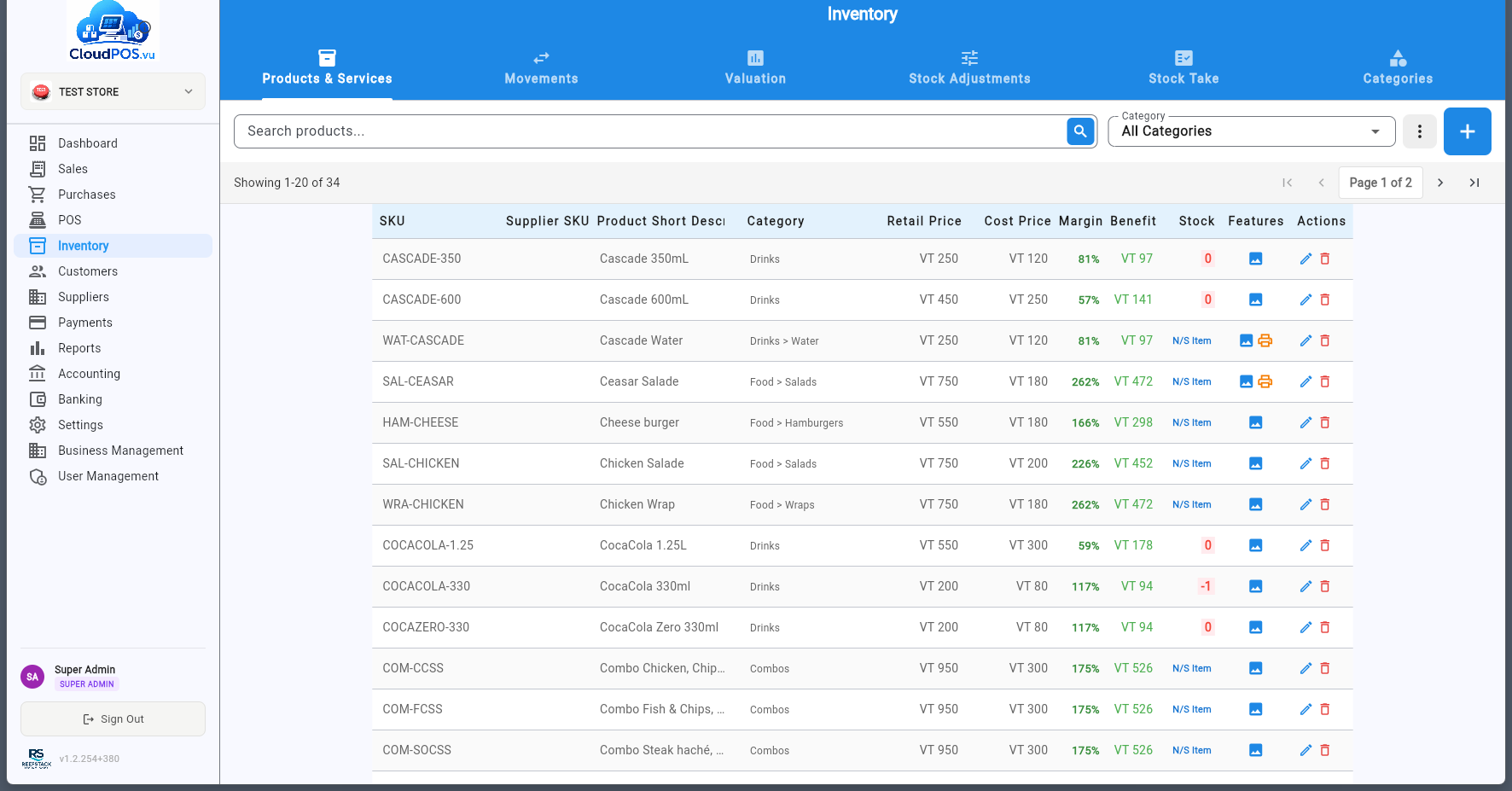
🚀 Quick Start
New to CloudPOS.vu? Start here to get up and running in minutes.
Complete Manual
Everything in one document — settings, sales, vouchers, purchases, POS, inventory, accounting and administration — with a sidebar to jump to any section.

Getting Started Guide
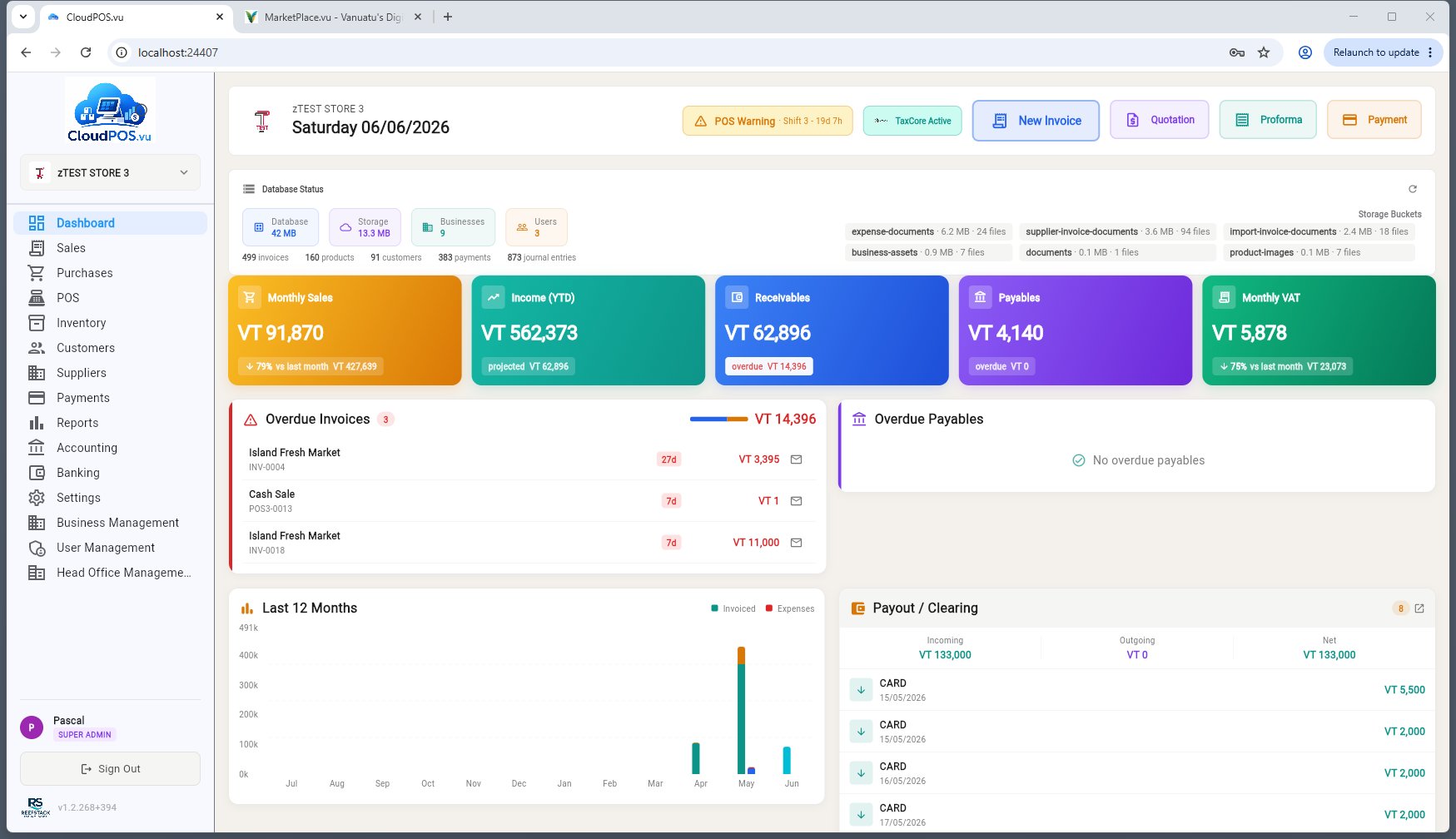
Step-by-step walkthrough from sign-up to your first sale. Includes login, business selection, and dashboard overview.
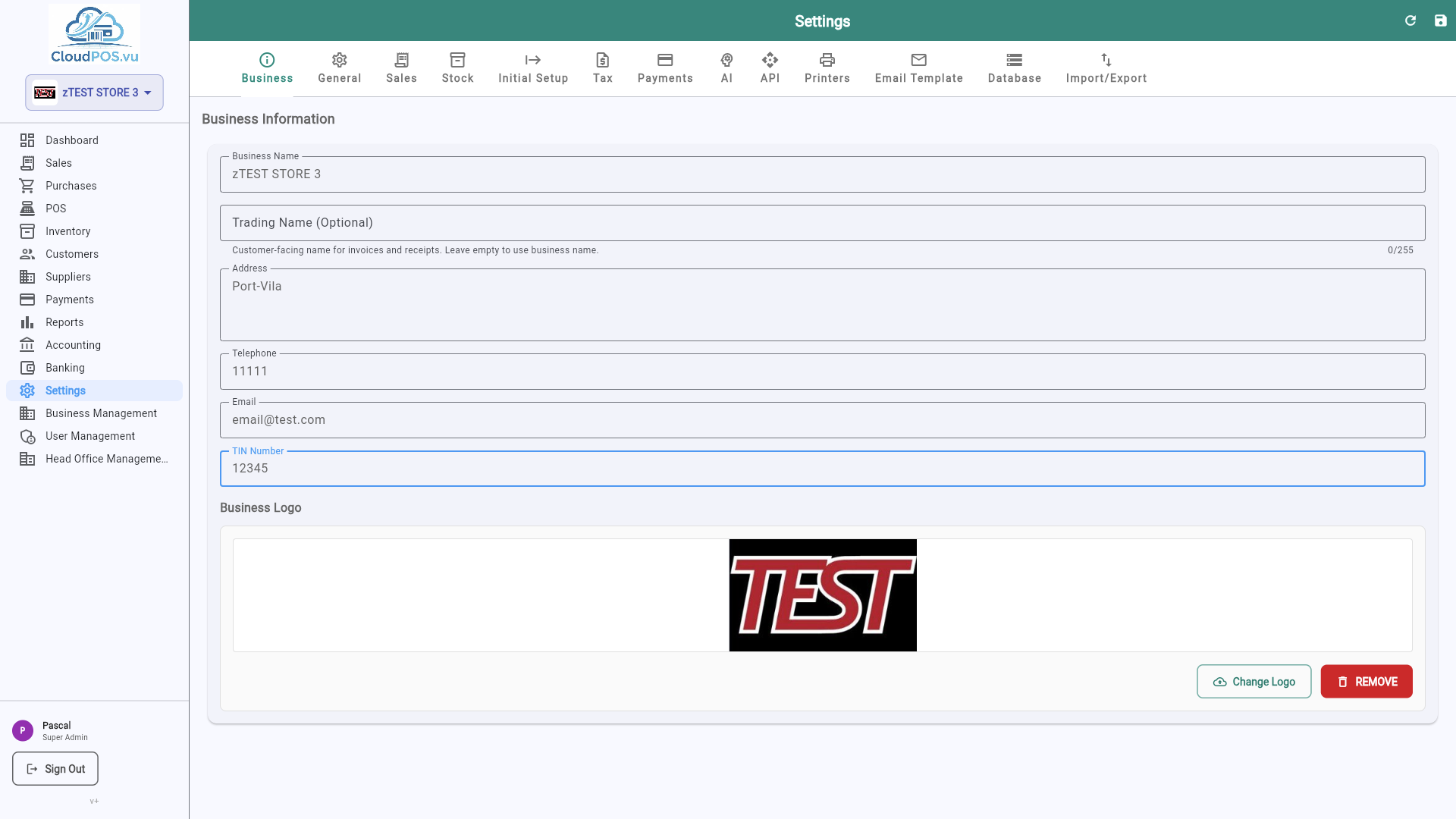
First Steps — Initial Setup
Just logged in? Configure your business step by step: business details, tax, banking, and POS setup (cashiers, terminals, printers, products).
Installation Guide
System requirements, downloading the app, and platform-specific installation instructions for all devices.
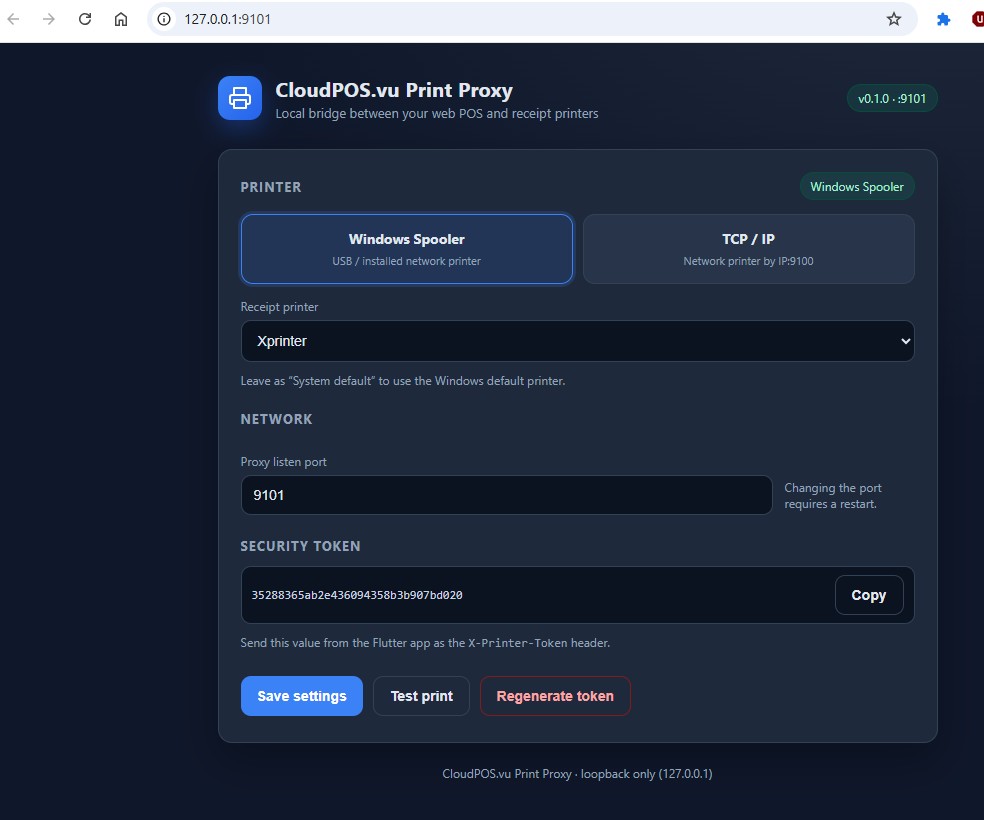
CloudPOS-WebPrinting Manual
Setup guide for the local PC helper that lets CloudPOS.vu on the Web print directly to receipt printers.
Receipt & Order Printing
Configure printers, per-POS receipt printers, kitchen/bar order routing and the order-print redirect for multi-POS sites.